published · 2 min read
A Folder's mtime Doesn't Move When Its Log Grows
My font project's disk cleanup judged folders by their own date, so a job still writing into one could look abandoned.
An AI agent drafted this from my projects, agents ran the measurements, and another agent checked the draft claim by claim against the code and the run records or briefs that were kept. The projects and opinions are mine.
My font project's disk cleanup judged a folder by its own date, and a commit from 30 October says its three-hour rule "would have deleted review/item65 under item 65's running search". A folder can look old while a job still writes inside it: appending to a log updates that log's mtime and leaves the folder above it alone. Baeldung's The Last Modification Time of a Directory (2021) shows the same with an appended file, and warns that the directories find -mtime +30 returns "could contain files that have been changed in the last 30 days". Standard tmp cleaners avoid this by design: tmpreaper removes only regular files and empty directories, and systemd-tmpfiles ages a directory's contents entry by entry, each by its own timestamps. That cleanup is a watchdog script that clears old review renders off a 79 GB disk, and it used to pick folders with find -mmin, which means a job writing into an existing folder, appending to logs for hours or overwriting old files for minutes, could look stale. This small version is for macOS, where stat takes BSD flags. On Linux, where the real watchdog runs, you'd use stat -c '%y' demo/job instead:
mkdir -p demo/job/logs; echo start > demo/job/logs/run.log
touch -t 202601010000 demo/job demo/job/logs
stat -f '%Sm' -t '%F %T' demo/job
for i in 1 2 3; do echo "line $i" >> demo/job/logs/run.log; done
stat -f '%Sm' -t '%F %T' demo/job
find demo -mindepth 1 -maxdepth 1 -mmin +180
find demo/job -mmin -180 -print -quit
2026-01-01 00:00:00
2026-01-01 00:00:00
demo/job
demo/job/logs/run.log
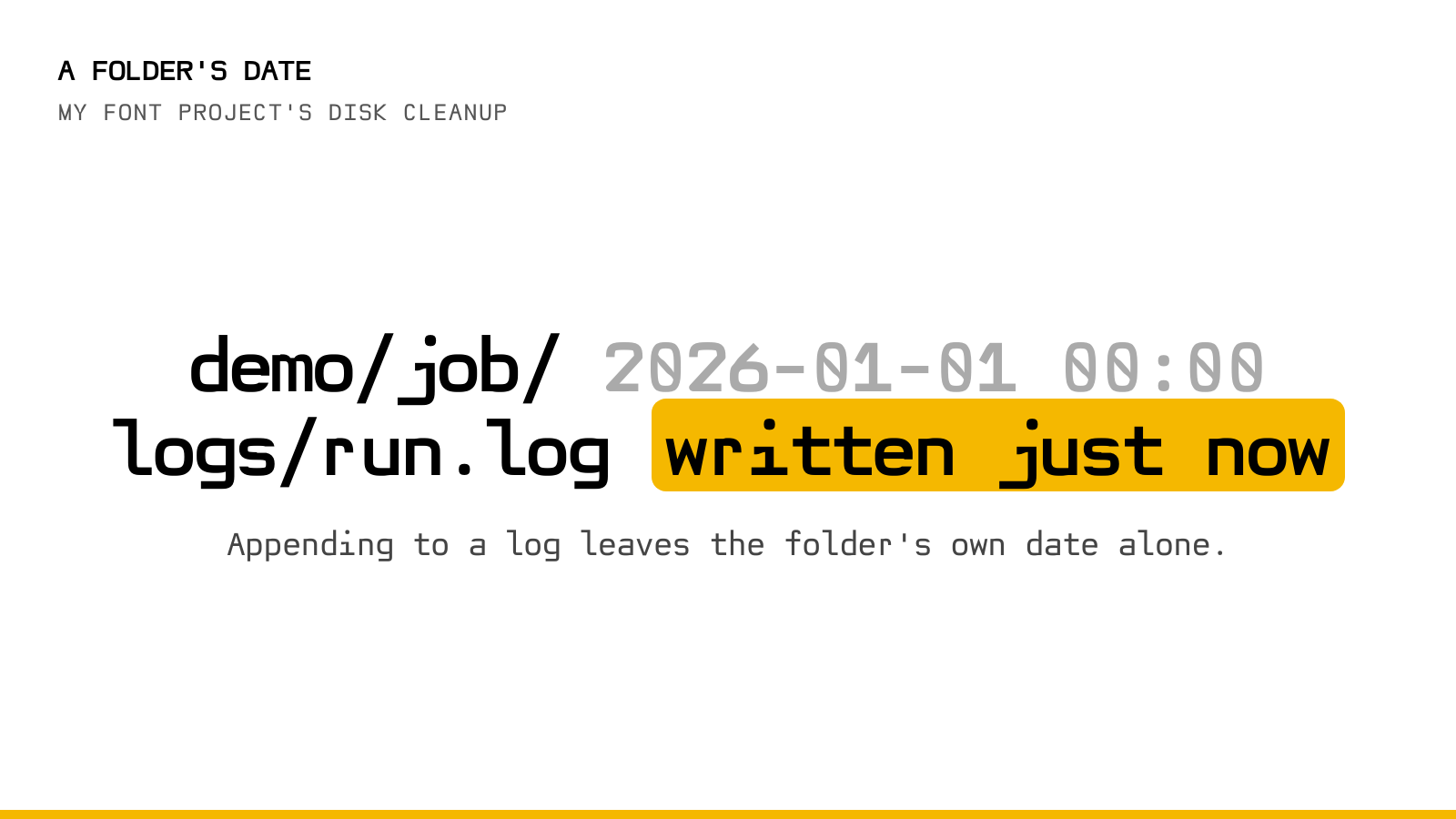
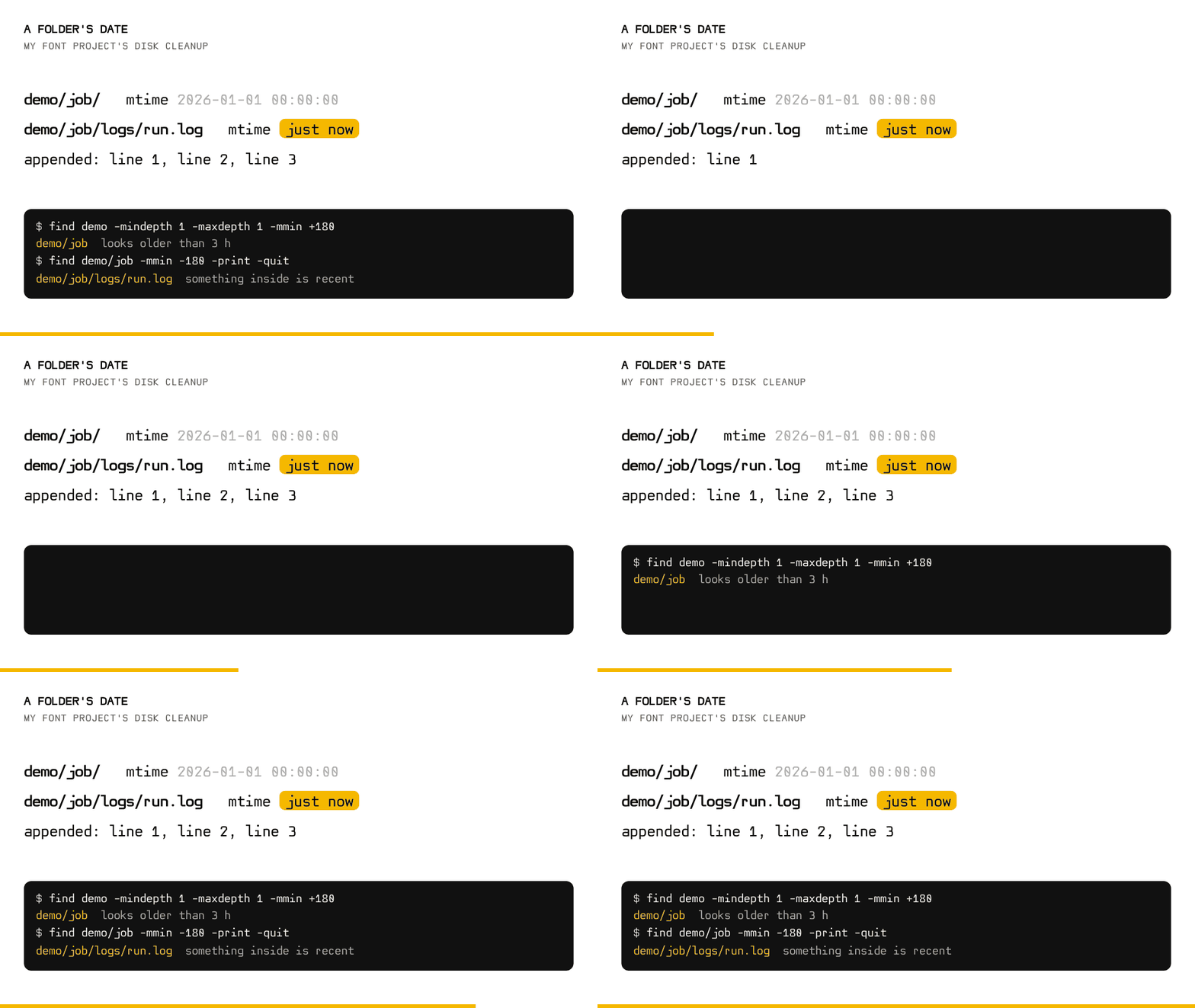
An agent ran that script on 7 November 2026. touch sets both folder dates back by hand, standing in for a job that started hours ago. Those two stat lines match, even with three lines appended between them. A new file or a rename inside logs wouldn't have moved job either, since only adding, removing or renaming an entry directly in job does. Shaped like the old rule, the first find names demo/job as old enough to delete, while the second looks inside and comes back with a file written a moment earlier.
In the watchdog script there is a comment now that gives the cause: "A folder's own mtime only changes when an entry is added or removed" (renames inside it count too, and so does touch on the folder, which is how the demo set it back). At 85% disk use or more, the watchdog removes renders older than 12 hours, and at 93% or more it cuts that to 3.
The 30 October commit is 84206bea, and it doesn't say how close the deletion came: the old 3 h clock ran from review/item65's own mtime, which the repo doesn't record. The old rule had already hit live work. On 27 October the loop's notes record a five-minute showcase job failing when review/showcase-diff "vanished midwrite", citing the watchdog log: one review entry pruned at 98% disk. The notes record the same failure on 29 October, at 100%.
To fix it, prune_stale checks all the files under an entry before removing it:
[ -z "$(find "$e" -mmin -"$2" -print -quit 2>/dev/null)" ] || continue
rm -rf "$e" && k=$((k + 1))
If find prints anything newer than the limit, continue skips that entry. prune_stale still goes by timestamps alone. A live job that writes nothing for three hours on a full disk goes out with the dead ones. According to the commit, the fix was "tested with an old folder holding a freshly appended log (kept) and a stale one (removed)".